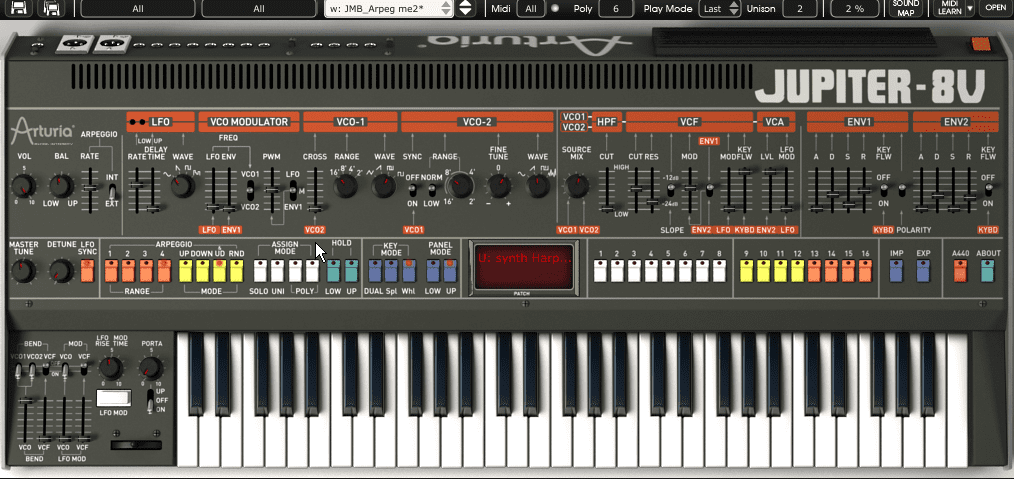
Bruce Aisher runs us through the fundamentals of arpeggiators, from the most simple one-note patterns through to basic step sequencing, gated chords and MIDI effects.
Arpeggiators are perhaps one of the simplest and most audibly recognisable sequencing tools available. In essence an arpeggiator is a very basic real-time sequencer designed to take a chord as an input and turn it into an arpeggio. Originating in the early days of hardware synthesisers, the arpeggiator’s simplicity and immediacy has ensured that it’s found favour with musicians ever since.
The World According to Arp
Whilst arpeggiators originated in hardware synths – particularly those developed in the microprocessor boom of the late 1970s – we’re going to explore them in their more flexible software guise. If you’re lucky enough to own a hardware synth with a built-in arpeggiator, exactly the same principles apply.
Here we have Korg’s plugin reincarnation of the classic PolySix (a relatively affordable polysynth back in 1981 which now commands a fairly high price on the second-hand market).
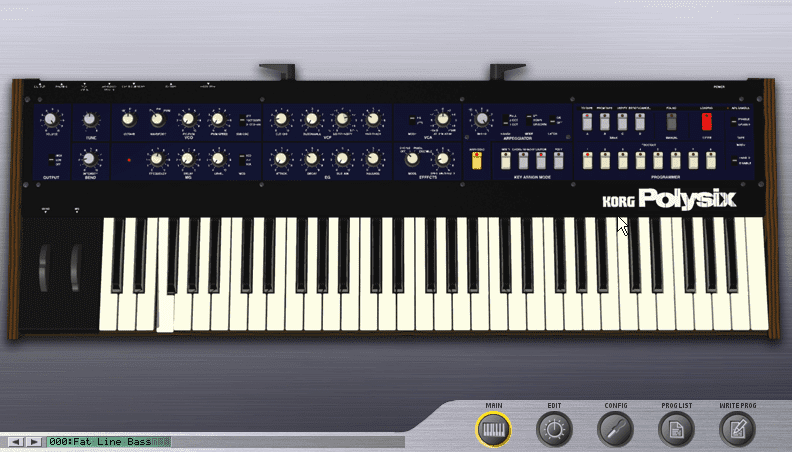
The PolySix includes most of the important elements to be found in any arpeggiator – speed, (note or octave) range, mode (up, down and up/down – some arps include others), and latch (continues playing the arp once keys have been released):
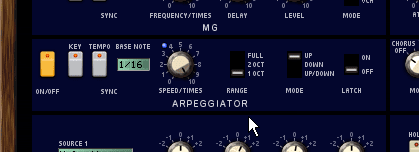
If we set the range to one octave and play only one note, we get a simple pulsing pattern:
Play a few more notes (or draw them into your DAW) and you can create basic basslines very easily. The classic technique here is to follow the root note of the chord above. Here we’ve programmed an eight-bar pattern:
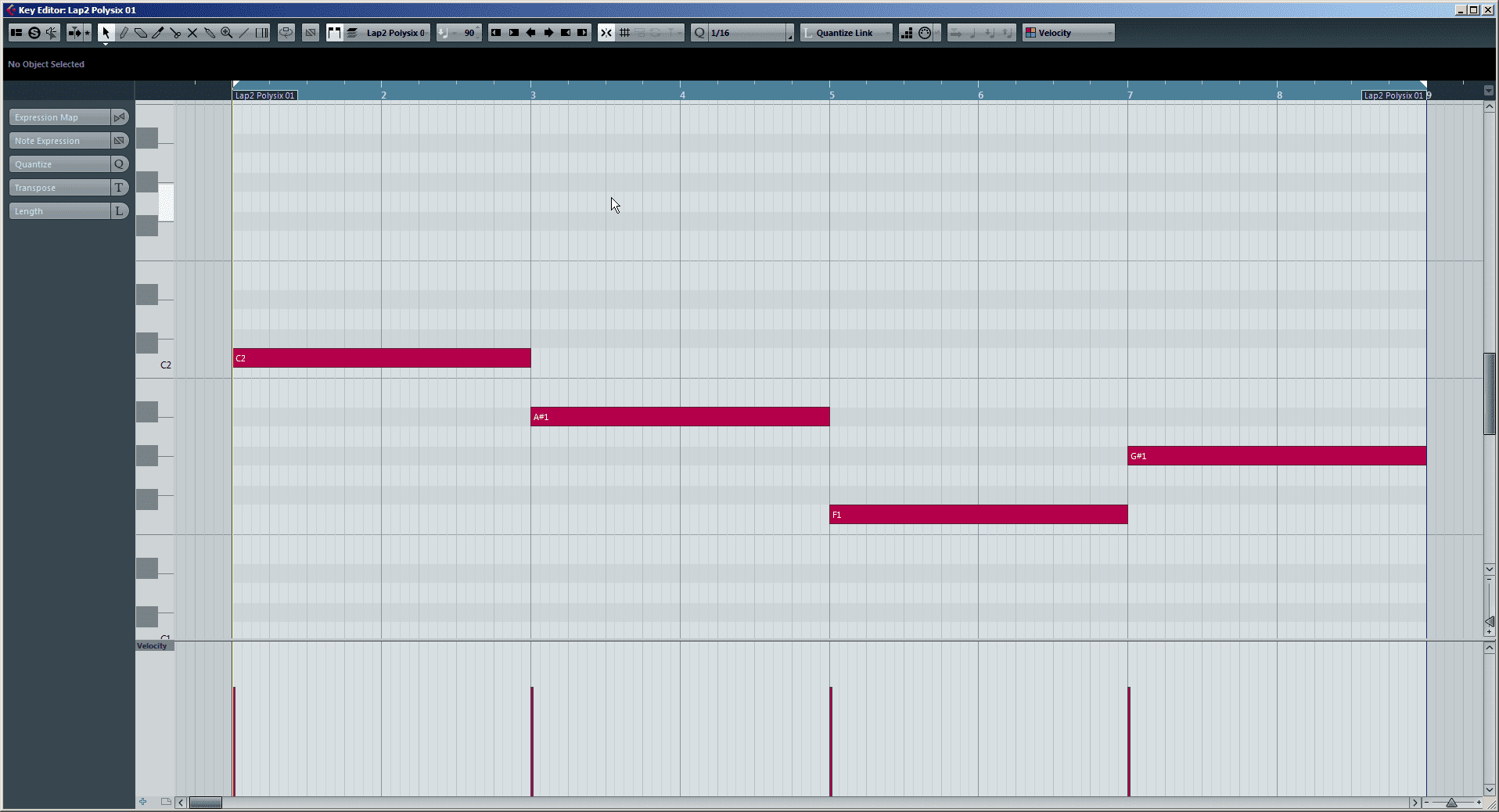
Which sounds like this:
The arpeggiators on most soft synths also feature a tempo sync button which allows the arp to stay in time with the host project (if that’s what you want). In this case the speed control usually acts to divide the project tempo into 1/16th notes, 1/8th notes and other divisions.
Here’s how our arp sounds set to 1/8th notes and played alongside a drum beat:
And, to show the effect of changing the speed, here’s the same pattern with the arp speed set to 1/8th note triplets:
10.26 AM
good article!
arp’s are a great way to get some movement in your tracks.
keep up the good work
09.40 AM
I’d suggest a 2nd part of this article, which shows arpeggiator plugins like Kirnu, Cream, Cthulhu or BluArp!!
10.40 AM
How do I get that sound on page 1. Ive got the same settings but I just dont get that pulsing sound. It sounds like any piano…
04.59 PM
forget about the arp , i want to know where you got that kick. nice
07.30 PM
And – don’t forget that wonderful app that is Numerology…. Arp on Steroids!
09.24 AM
I love the new arpeggiator released by Squaredheads, it’s called Nora and it has very useful features in a clear interface, like a superb randomizer. Check it out!!!